Site owner
You are preparing a small business site for a campaign and want to catch outdated destinations before sharing the URL.
Start with the home page, review internal failures, and confirm important external links manually before publishing.
A free broken link checker helps you review a website’s destinations before visitors discover the problem. Start with a representative page or site URL, inspect the results, and turn the findings into a practical repair list.

Have a reachable website address and a clear idea of what you want to verify. These related guides explain different ways to investigate link health when a quick scan is not enough.
The same basic flow works for a small brochure site, a content archive, or a larger set of linked pages. The useful result is not just a red flag; it is enough context to choose the next check.
You are preparing a small business site for a campaign and want to catch outdated destinations before sharing the URL.
Start with the home page, review internal failures, and confirm important external links manually before publishing.
You maintain older articles with references, downloads, and related-reading links that may have changed over time.
Use the results to create an editorial repair queue, then revisit each destination in its surrounding article context.
You are checking whether a redesign left old paths, redirects, or internal references pointing to the wrong place.
Separate navigation problems from destination problems and record the URL, response behavior, and recommended replacement.
A release includes renamed pages or changed routing, and you need a quick pass before handing the site to a client.
Run a focused check, reproduce important failures, and use the evidence to decide whether to restore, redirect, or remove a link.
Paste the website address or page you want to review. Use the canonical version when possible so the first request reflects the route visitors should receive.
The checker follows available destinations and records what comes back. Treat redirects, blocked requests, timeouts, and server errors as different clues rather than one identical failure.
Open the important results yourself, confirm whether the destination is genuinely unavailable, and rank fixes by visitor impact, visibility, and how easy the correction is to make.
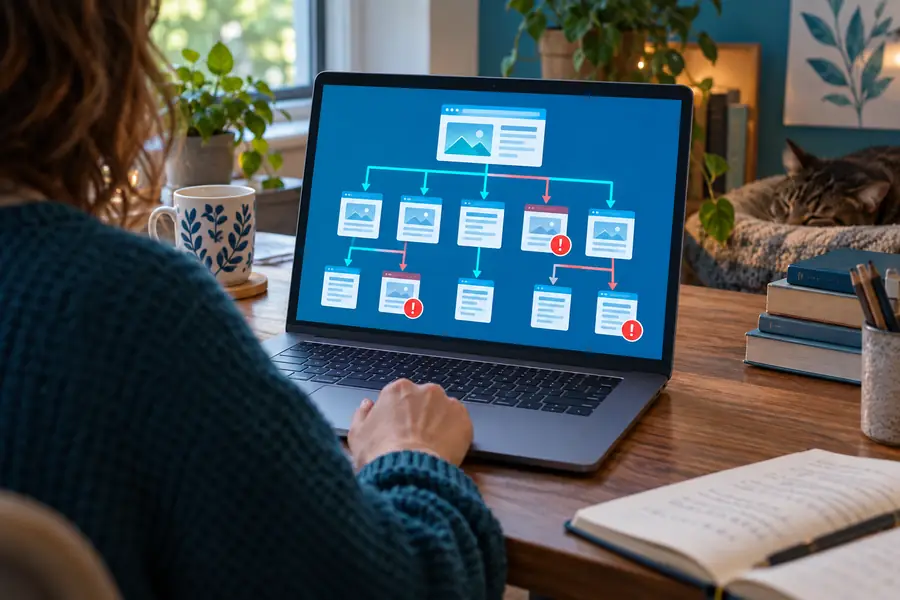

The useful change is from scattered suspicions to a checked, prioritized list.
Before reviewAfter reviewA free route is useful when you need a first pass with low friction. Choose the checking style that matches the size of the site, the depth of evidence required, and how much manual confirmation you can provide.
| Free checker pass | Manual or advanced audit | |
|---|---|---|
| Best starting point | A quick look at one site or a focused set of pages | A planned review of a large, changing, or technically complex site |
| Setup effort | Paste a URL and begin with minimal preparation | May require installation, configuration, crawling rules, or access decisions |
| Primary output | A practical list of destinations that need attention | A deeper crawl record with additional technical context |
| Redirect handling | Useful for spotting redirected destinations that deserve review | Better suited to tracing redirect chains and diagnosing routing patterns |
| External links | Helpful for finding obvious unreachable references | Still requires judgment because outside sites can block or change behavior |
| Best next step | Verify high-value results and make the smallest safe correction | Export, segment, reproduce, and monitor issues across repeated audits |
| Ideal friction level | Low commitment for an initial check | More time in exchange for broader control and repeatability |
A free checker can reveal useful symptoms, but it cannot turn every response into a confirmed diagnosis. Keep these boundaries in mind before changing URLs or removing references.
A redirect may be intentional, while a temporary server error may recover before you investigate. The result identifies a condition to review, not an automatic instruction to delete the link.
What to do instead
Open important destinations manually and compare the result with the page’s intended purpose.
Rate limits, bot protection, authentication, robots rules, or network policies can prevent a checker from seeing the same response a normal visitor receives.
What to do instead
Recheck from an appropriate environment and confirm access expectations with the site owner.
A passing result only describes the destination at the time of the scan. Third-party pages, files, and domains can move or disappear without notice.
What to do instead
Schedule recurring reviews for high-value references and keep replacement sources documented.
Only the site’s editor or owner can judge whether a new page preserves the original intent, audience, and context.
What to do instead
Use the finding as a repair candidate, then select, test, and document the replacement yourself.
Start with the pages that matter most to visitors, confirm each reported issue, and make one measured correction at a time. A focused first pass is often enough to reveal where a larger audit should begin.
It is a tool or service that requests linked destinations and reports responses that may need attention. A free route is useful for an initial review, especially when you want to avoid installing software or configuring a full crawl.
You can usually begin with a public website address, but access controls, bot protection, rate limits, and private pages may prevent a complete result. Treat blocked or incomplete checks as a reason to verify the affected URLs through an appropriate access path.
No. It can help identify destinations that return errors, redirect unexpectedly, or fail to respond, but it cannot decide the correct replacement or change your site safely. Review the evidence, choose the right correction, and test the updated link.
Not always. A redirect may be a valid part of a site’s routing, but a long chain, an unexpected destination, or a redirect ending in an error can still create a poor visitor experience. Check where the link ultimately lands and whether that destination matches the original intent.
Check whether the result came from a timeout, access restriction, temporary server issue, or a different network condition. Reproduce the request manually, compare the URL and response behavior, and avoid removing the link until the failure is confirmed.